
Overview
Customize the heading colors of your LearnDash tables so they match your site’s branding — including the Course Dashboard, course, lesson, and quiz tables.
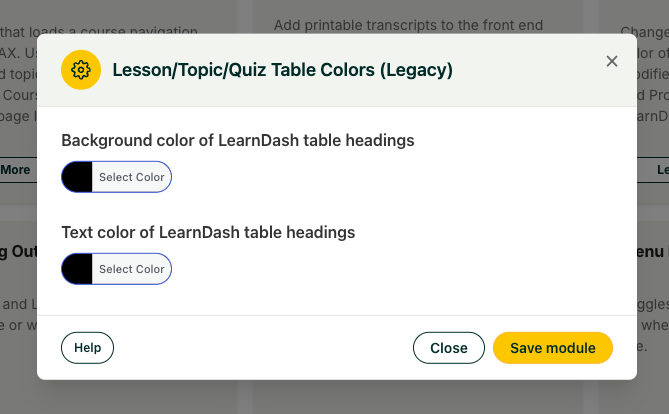
This module lets you set the heading text and background colors of LearnDash tables without writing CSS. The colors you choose apply to:
- The Course Dashboard table
- Course tables
- Lesson tables
- Quiz tables
Configure It
Set your colors in the module’s settings using either method:
- Color picker — click and choose visually.
- Hex values — type a hex color code (for example, #1a73e8) directly for an exact match to your brand palette.
Usage
- Activate the module.
- Open its settings and pick the heading text and background colors using the color picker or hex values.
- Save. The new colors apply across the supported LearnDash tables.
Heads up — theme compatibility. This module is not compatible with BuddyBoss or other themes that override LearnDash templates and styles. If your theme replaces the default LearnDash table markup, these color settings won’t take effect.
Heads up — LearnDash tables only. Only LearnDash tables are affected. Tables generated by other plugins or content remain unchanged.