
Overview
The Disable Emails module stops your site from sending any outgoing email, so you can safely test, stage, or migrate without accidentally notifying real users.
What This Module Does
When active, Disable Emails intercepts WordPress’s wp_mail() function and prevents all outgoing messages from leaving your site. Because nearly every WordPress plugin sends mail through wp_mail(), this effectively blocks course notifications, password resets, comment alerts, and any other email your site would normally generate.
To keep things obvious, the module adds a reminder to your WordPress admin bar whenever it’s turned on, so you always know email is being blocked.

How to Enable It
- In your WordPress dashboard, go to Uncanny Toolkit > Modules.
- Locate the Disable Emails module.
- Click Activate.
There are no additional settings to configure. The module works as a simple on/off switch: once it’s active, all outgoing email is blocked, and the admin-bar reminder appears.
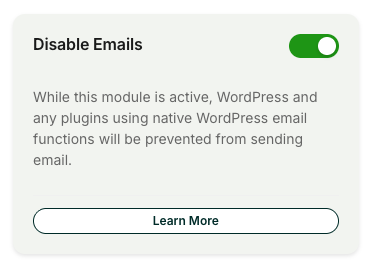
Important: While this module is active, it blocks ALL outgoing email from your site, not just LearnDash messages. This includes password resets, order receipts, form notifications, and admin alerts. Do not leave it enabled on a live production site, or your users will stop receiving important emails.
When to Use This
This module is built for situations where you want your site to behave normally without actually sending mail:
- Staging environments: Keep test accounts and copied user data from receiving real notifications.
- Development and debugging: Trigger and test email-driven workflows without flooding inboxes.
- Site migrations: Prevent users from receiving notifications while you move or rebuild a site.
In each case, you get the safety of a fully blocked outbox while everything else on the site continues to run as usual.
Pairing With an Email Logging Plugin
Because blocked emails are never delivered, you won’t see them anywhere by default. If you need to confirm which emails your site would have sent, we recommend pairing this module with an email logging plugin such as Email Log or . The logging plugin records every message your site attempts to send, while Disable Emails ensures none of them actually go out, giving you a complete record without any real delivery.
Limitations
This module only blocks email sent through WordPress’s wp_mail() function. In practice this covers nearly every WordPress plugin, and there are no known cases of email bypassing the block. However, if a plugin or service sends mail through its own external method instead of wp_mail(), that mail may not be caught by this module.